Tracking Business Expenses — Simple Digital Tools That Work
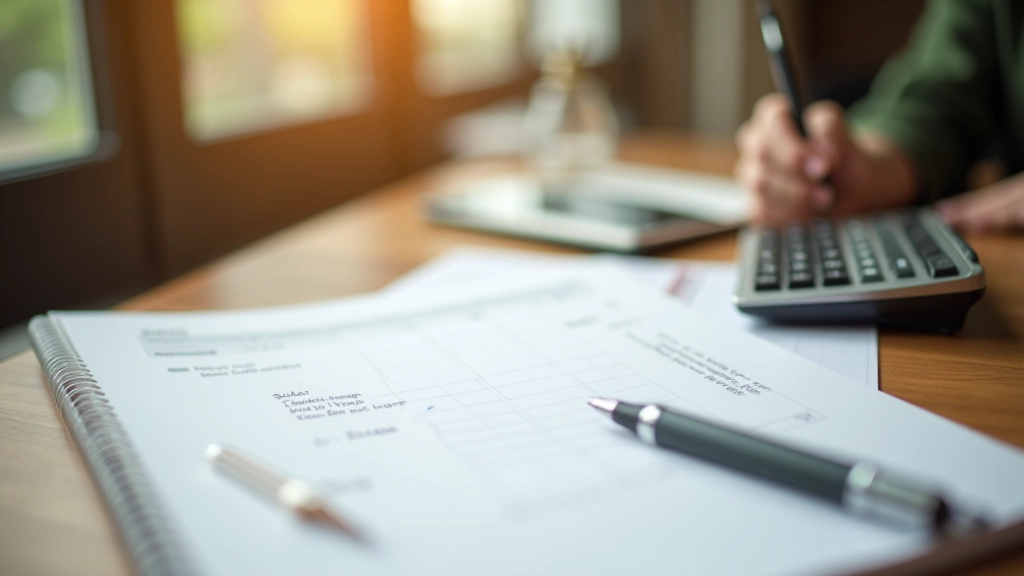
You don’t need complicated accounting software. We walk through straightforward tools for recording expenses, organizing receipts, and staying audit-ready without the headache.

Why Expense Tracking Matters for Your Freelance Business
If you’re self-employed in Hong Kong, you’ll know that come tax season, the IRD wants proof of everything. Not just income — expenses too. The thing is, most freelancers don’t track properly until it’s too late. You’re scrambling through old receipts, trying to remember what you spent money on, and realizing you’ve missed deductions that could’ve saved you thousands.
The good news? You don’t need enterprise accounting software. You need something simple, something you’ll actually use, and something that keeps your receipts organized. We’ve found that straightforward digital tools work best — they take maybe five minutes per expense and save you hours at tax time.

The Three Categories You’ll Actually Need
Don’t overthink it. Most freelancers fit their expenses into three buckets: equipment and supplies, software and subscriptions, and travel and meals. That’s it. You won’t need forty different categories.
Equipment & Supplies
Laptops, cameras, office furniture, stationery. Anything physical that helps you work. Keep the receipts.
Software & Subscriptions
Design tools, cloud storage, project management, accounting software. Monthly or yearly charges all count.
Travel & Client Meetings
Transport to client sites, meals during work trips, parking fees. Document everything with dates and purpose.
The key is consistency. Once you’ve decided where something goes, keep it there. Your accountant will appreciate the organization, and you’ll spot trends — like realizing you’re spending way more on subscriptions than you thought.


Tools That Actually Work Without Being Complicated
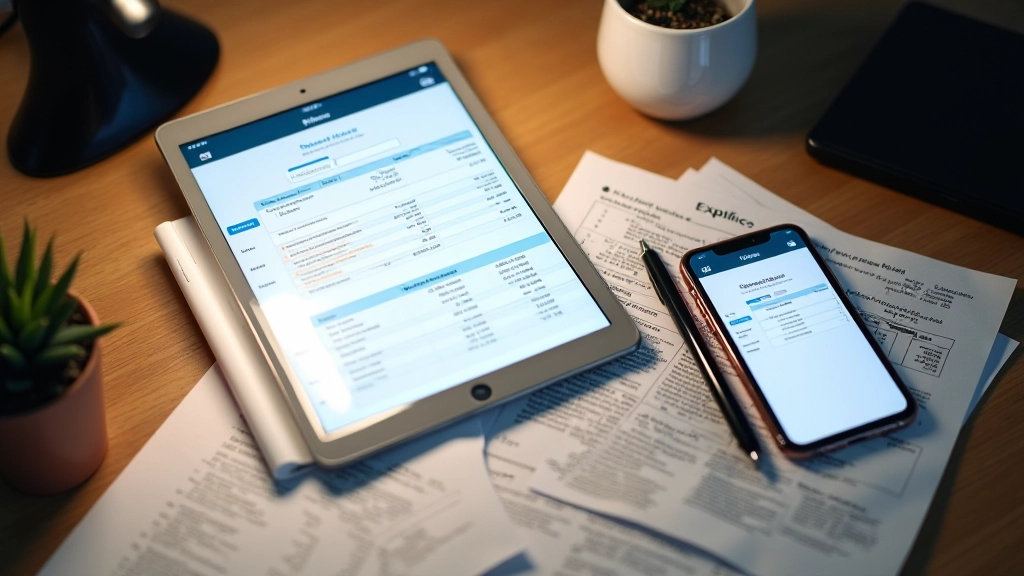
Here’s what we recommend: Start with something that lets you photograph receipts. Most freelancers we work with use either a simple mobile app or a spreadsheet with photo attachments. Both work. The mobile app is faster if you’re capturing receipts on the go. The spreadsheet is more flexible if you like seeing everything at once.
The best tool is the one you’ll actually use. If you hate entering data on your phone, don’t buy an expense app. If you’re not comfortable with spreadsheets, use an app. Seriously. A tool you’ll use inconsistently beats a perfect tool you abandon.
Most important: photograph your receipt immediately. Write the date, category, and what it was for on the back. This takes 30 seconds and saves you 30 minutes of confusion later.
We’ve found that freelancers who spend just 5 minutes per day logging expenses stay on top of things. That’s it. Five minutes to capture the day’s receipts, note the category, and move on. Do this consistently, and come tax time, you’ll have a complete picture of where your money went.
The Receipt Rule: Document Everything Properly
The IRD requires proper documentation. That means real receipts — not just your memory. If you can’t produce a receipt, the deduction gets questioned. Store everything digitally and keep originals for 7 years (that’s the standard retention period).
For each expense, you’ll want to note: date, amount, what you bought, the category, and a photo of the receipt. If you’re doing this right, you’re building a digital filing system that’s essentially audit-proof. Your accountant will love you.
Take a photo immediately after purchase
Note the date, category, and business purpose
File it in your system (app or folder)
Keep the physical receipt for 7 years

The Simple System That Works
You don’t need fancy software or complicated workflows. You need a system you’ll stick with. Pick three expense categories, choose a tool that fits how you work, photograph receipts immediately, and spend five minutes each day logging them. That’s genuinely all it takes.
When you’re tracking expenses properly, tax season becomes manageable. You’re not scrambling. You’re not guessing. You’ve got documentation, you know exactly what you spent, and you can claim everything you’re entitled to. Plus, you’ll spot patterns — maybe you’re spending too much on software, or maybe client meals are taking a bigger chunk than expected. That’s valuable information for planning your freelance business going forward.
Start this week. Pick your tool. Set up your categories. Photograph your first receipt. That momentum carries you through the year.
Important Notice
This article is informational and educational in nature. It explains general approaches to expense tracking for self-employed individuals in Hong Kong. Tax regulations and requirements vary based on individual circumstances, business structure, and IRD guidelines. We strongly recommend consulting with a qualified accountant or tax professional to ensure your specific situation complies with current Hong Kong tax law. Nothing in this article constitutes professional tax or accounting advice.